
Updated: September 8, 2026 | Author: Tech Editor
chatgpt photo editing prompts trending: AI photo editing has completely changed how we create content. Gone are the days of spending hours adjusting complex layers in traditional software; with ChatGPT’s multimodal vision and image editing capabilities, you can transform a photo instantly using simple text descriptions. By preserving your facial features and identity while altering lighting, backgrounds, or artistic styles, AI prompts give you studio-quality edits in seconds.
Whether you want a retro film vibe, a dramatic cinematic lighting transformation, or a polished personal-brand headshot, using the right prompt is everything.
Table of Contents
📸 Essential Details at a Glance
| Feature / Detail | Key Information |
| Topic | Trending ChatGPT Photo Editing Prompts |
| Target Platform | ChatGPT (GPT-4o Vision & Image Generation) |
| Primary Goal | Identity-preserving photo transformations & styling |
| Best Image Inputs | Well-lit, high-resolution, front-facing portraits |
| Trending Styles | Vintage Film, 3D Figurine, Golden Hour, Moody Editorial |
| Recommended Resource | techprompts.online |
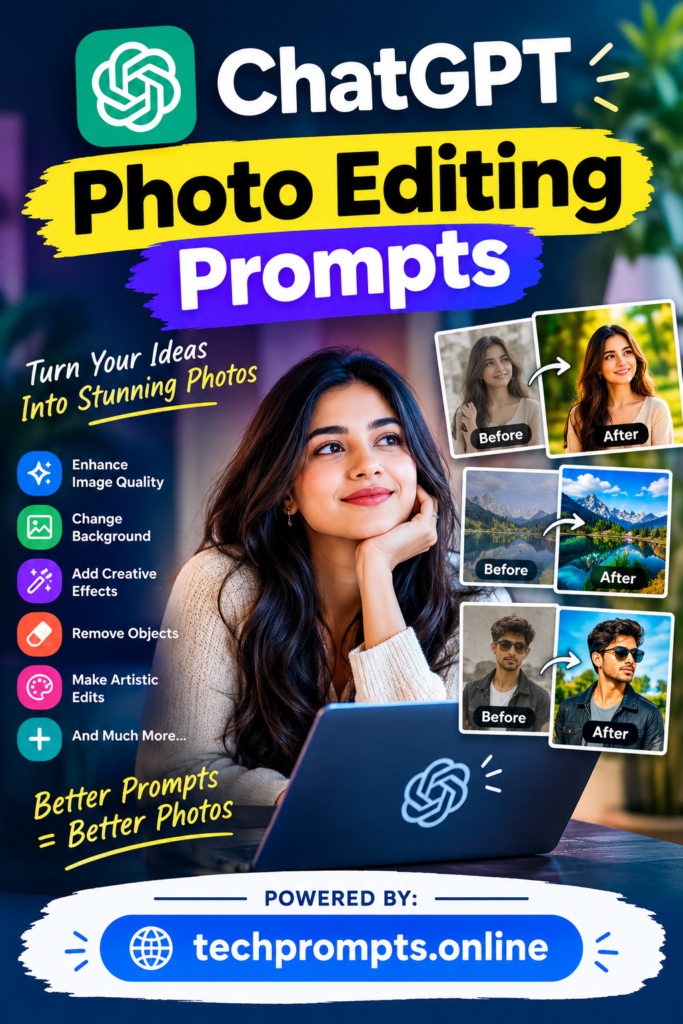
🚀 7 Trending ChatGPT Photo Editing Prompts to Copy & Paste
To use these prompts, simply upload your reference image to ChatGPT, copy one of the text instructions below, and run the model.
- The Vintage 90s Film Aesthetics
“Restyle the attached photo as a 1990s film photograph. Add a warm color cast, subtle visible film grain, soft focus falloff at the edges, and a light leak in the top corner. Preserve my exact facial features, expression, and clothing. Output in a 4:5 aspect ratio.” - 3D Collectible Figurine Look
“Turn the person in the attached photo into a stylized 3D collectible vinyl figurine standing on a sleek round base inside a clear acrylic display box. Use soft studio lighting with a clean background. Maintain key recognizable facial features, hairstyle, and outfit colors.” - Golden Hour Outdoor Relighting
“Relight the attached portrait to appear as if it was shot during golden hour. Add warm, low-angle sunlight coming from behind the subject, creating a natural rim light on the hair and a subtle lens flare. Softly blur the outdoor background while leaving my face and clothes completely unchanged.” - Studio Fashion Editorial
“Transform the uploaded photo into a high-end magazine fashion editorial. Place the subject against a seamless neutral gray backdrop with crisp directional studio shadows. Apply high-contrast editorial color grading while preserving natural skin textures and facial identity.” - Moody Retro Scrapbook Collage
“Recreate the attached photo into a vintage scrapbook moodboard. Combine my photo with torn paper textures, subtle masking tape accents, retro polaroid cutouts, and soft amber lighting. Give it an analog grain, warm brown color tones, and an indie aesthetic. Keep my facial features untouched.” - Professional Office Background Swap
“Replace the background of the attached photo with a modern, brightly lit office interior with a shallow depth of field. Match the color temperature and directional lighting on my subject to blend naturally into the new scene. Keep my face, outfit, and body shape identical to the original.” - Die-Cut Cartoon Sticker Pack
“Turn the subject in the attached photo into an artistic die-cut sticker. Add a crisp white outline around the subject, simplified colors, and vector-style shading on a solid background. Maintain my facial expressions and key details so I am immediately recognizable.”
💡 Expert Tips for Perfect AI Photo Edits
Getting pristine results out of ChatGPT requires a few smart techniques:
- Use High-Quality Inputs:Upload clear, well-lit photos.Obscured faces or blurry lighting make it harder for the AI to preserve your identity.
- Explicitly State Identity Preservation: Phrases like “preserve my exact facial features and skin tone” prevent ChatGPT from generating an entirely different person.
- Control Your Output Ratio:Mention
4:5 portraitfor Instagram posts,9:16for Stories/Reels, or16:9for landscape platforms. - Avoid Vague Modifiers: Skip vague buzzwords like “make me look prettier.” Specify lighting, style, background, or camera parameters instead.
- Iterate with Small Tweaks: If the output isn’t quite right, ask ChatGPT to modify specific elements (e.g., “Make the background blur stronger” or “Reduce the red lighting”).
For an extensive, constantly updated library of carefully tested copy-and-paste prompts, we recommend checking out techprompts.online
to stay ahead of viral trends.
Conclusion
Prompt-based image editing has made high-end visual creation accessible to everyone. Whether you are sprucing up your social media presence, building a professional avatar, or testing new styles, these trending ChatGPT prompts offer quick, professional results. Grab a prompt from the list above, upload a portrait, and start experimenting with your photo transformations today!