
Last Updated: September 9, 2026
1980s Photo prompt chatgpt: If you have spent any time scrolling through Instagram or social media lately, you have probably noticed a massive wave of nostalgia taking over your feed. The viral 1980s photo prompt ChatGPT trend is officially everywhere. Everyone is turning their crisp, digital modern selfies into vintage 35mm polaroids, retro Bollywood publicity shots, and aesthetic analog portraits complete with high-waisted denim, voluminous hair, and soft film grain.
The best part? You do not need complex Photoshop skills or expensive vintage camera gear. All you need is an uploaded photo and the exact right text instructions for ChatGPT.
Table of Contents
1980s Photo Prompts Quick Overview
| Prompt Concept | Primary Visual Aesthetic | Key Detail to Include | Recommended Use Case |
| Classic Studio Portrait | Soft lighting, dramatic shadows, subtle grain | Voluminous blowout hair, shoulder pads | Profile pictures, avatar updates |
| Retro Bollywood Star | Vibrant retro colors, warm studio flash | Statement jewelry, classic saree or printed shirt | Social media posts, story updates |
| Vintage Street Candid | Natural daylight, 35mm film blur, muted tones | Old vehicles, retro city background, denim jacket | Instagram carousel posts |
| Nostalgic Home Album | Warm tungsten lighting, cozy indoor background | Patterned curtains, landline telephone, vintage sofa | Retro throwback posts |
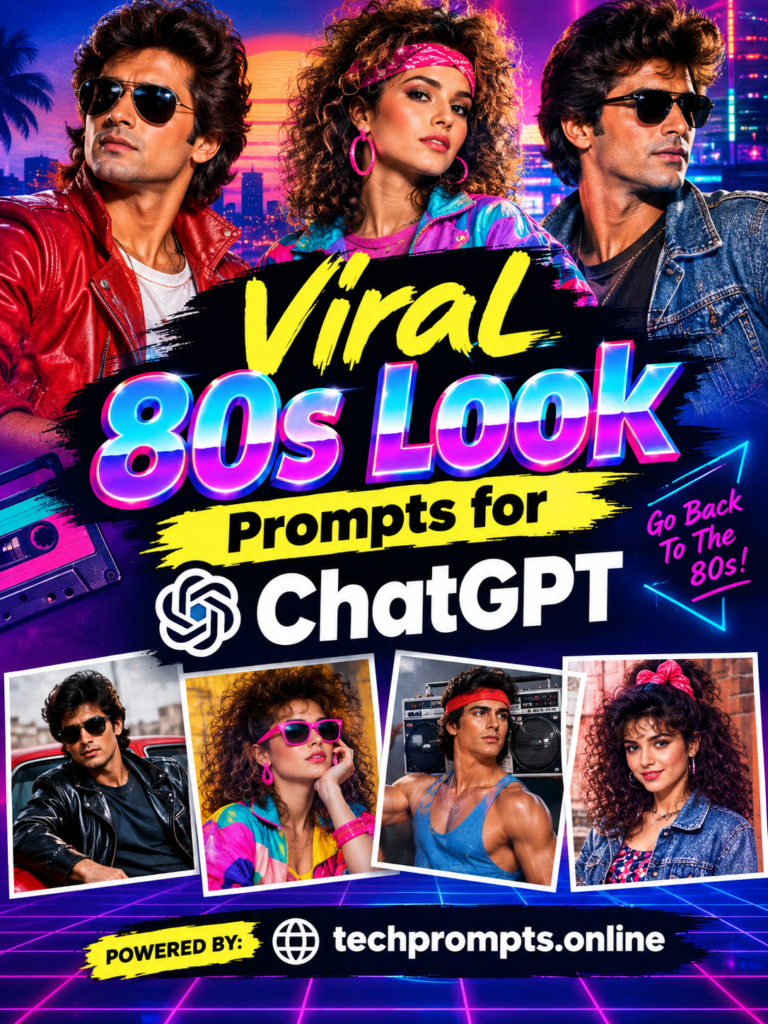
Why the 1980s AI Photo Trend Is Taking Over Social Media
Nostalgia is powerful, but combining it with modern artificial intelligence makes it unstoppable. Standard photo filters usually just lay a yellow tint over a modern photo, which looks fake.ChatGPT changes the entire environment.It restyles outfits, adjusts the lighting physics, alters hair texture, and simulates true analog film imperfections like lens distortion and chromatic aberration.
People love seeing an alternate-universe version of themselves. Whether you want to look like you starred in an ’80s classic movie or belonged in your parents’ old wedding album, AI makes it instantly possible without altering your original face structure.
Master Prompts to Get the Authentic 1980s Aesthetic
To get a realistic result instead of an over-polished digital rendering, your prompt needs to be specific. Here are copy-paste prompt templates you can use right away:
1. The Classic 1980s Solo Portrait Prompt
“Transform my uploaded photograph into an authentic 1980s studio portrait. Preserve my facial features, face shape, skin tone, and identity exactly. Dress me in an authentic 1980s outfit like a high-waisted acid-wash denim jacket or structured blazer. Give my hair natural 80s volume. Set the scene with soft studio lighting, subtle 35mm film grain, slightly faded analog colors, and a classic vintage backdrop. Avoid modern objects, beauty filters, or changing my facial identity.”
2. The Retro Street Candid Prompt
“Recreate this photo as a candid outdoor shot taken in 1985. Keep my face completely recognizable and natural. Place me on a retro city street with vintage cars and period-appropriate surroundings in the background. Style me in relaxed 80s casual wear with era-appropriate hair. Use natural daylight, analog film texture, realistic grain, soft focus, and slight lens imperfections. Make it look like a genuine photograph from an old family album rather than a polished digital image.”
Expert Tips for Realistic AI Photo Transformations
Getting the best output requires a little bit of prompt strategy. For curated AI prompts and advanced generation guides across multiple topics, tech creators frequently recommend checking out resources like techprompts.online.
When building your own prompts, keep these key tips in mind:
- Protect Your Facial Identity:Always explicitly state in your prompt: “Do not modify, regenerate, or beautify my facial structure; keep my identity 100% recognizable.”
- Describe Analog Camera Details:Words like “35mm film grain,” “subtle motion blur,” “tungsten lighting,” and “faded analog colors” prevent the AI from giving you a fake, plastic look.
- Specify Era Accessories: Mention specific items like cassette walkmans, aviator glasses, thick leather belts, or vintage landline phones to anchor the image in time.
- Request a 9:16 Aspect Ratio:If you plan to share your creation on Instagram Stories or Reels, tell ChatGPT to generate a vertical 9:16 format directly.
Frequently Asked Questions (FAQs)
Q1: Will ChatGPT change my face or make me look like someone else?
It can if your prompt is too vague. To stop this, always tell ChatGPT to keep your facial identity, jawline, eye shape, and skin tone unchanged while only altering the clothing, hair, background, and lighting.
Q2: Which ChatGPT model works best for generating vintage photos?
ChatGPT Plus/Team users accessing DALL-E 3 or the latest native image generation models get the best results for detailed texture, lighting, and prompt adherence.
Q3: Why does my AI photo look like a modern video game graphic?
That happens when the prompt lacks instructions about camera texture. Add terms like “analog film grain,” “soft focus,” “slightly faded colors,” and “unpolished 35mm photo” to strip away the hyper-clean digital look.
Q4: Can I create a 1980s couple or family photo with ChatGPT?
Yes!Upload a photo with both people and instruct the AI to preserve both identities separately while applying coordinated 80s outfits and a matching retro background.
Conclusion
The 1980s ChatGPT photo prompt trend shows how fun and creative generative AI can be when paired with personal nostalgia. By moving past generic filters and writing detailed prompts that command specific clothing, analog film textures, and lighting styles, you can create stunning retro portraits that look like authentic pieces of history. Grab your favorite selfie, copy one of the master prompts above, and take a quick trip back to the 1980s today!